Admin User Interface
Configuration Interface
The Configuration Interface provides access to all runtime settings that control Structr’s behavior. You can open it by clicking the wrench icon in the header bar. The interface opens in a new browser tab and requires a separate login with the superuser name and password defined in structr.conf (superuser.username and superuser.password).
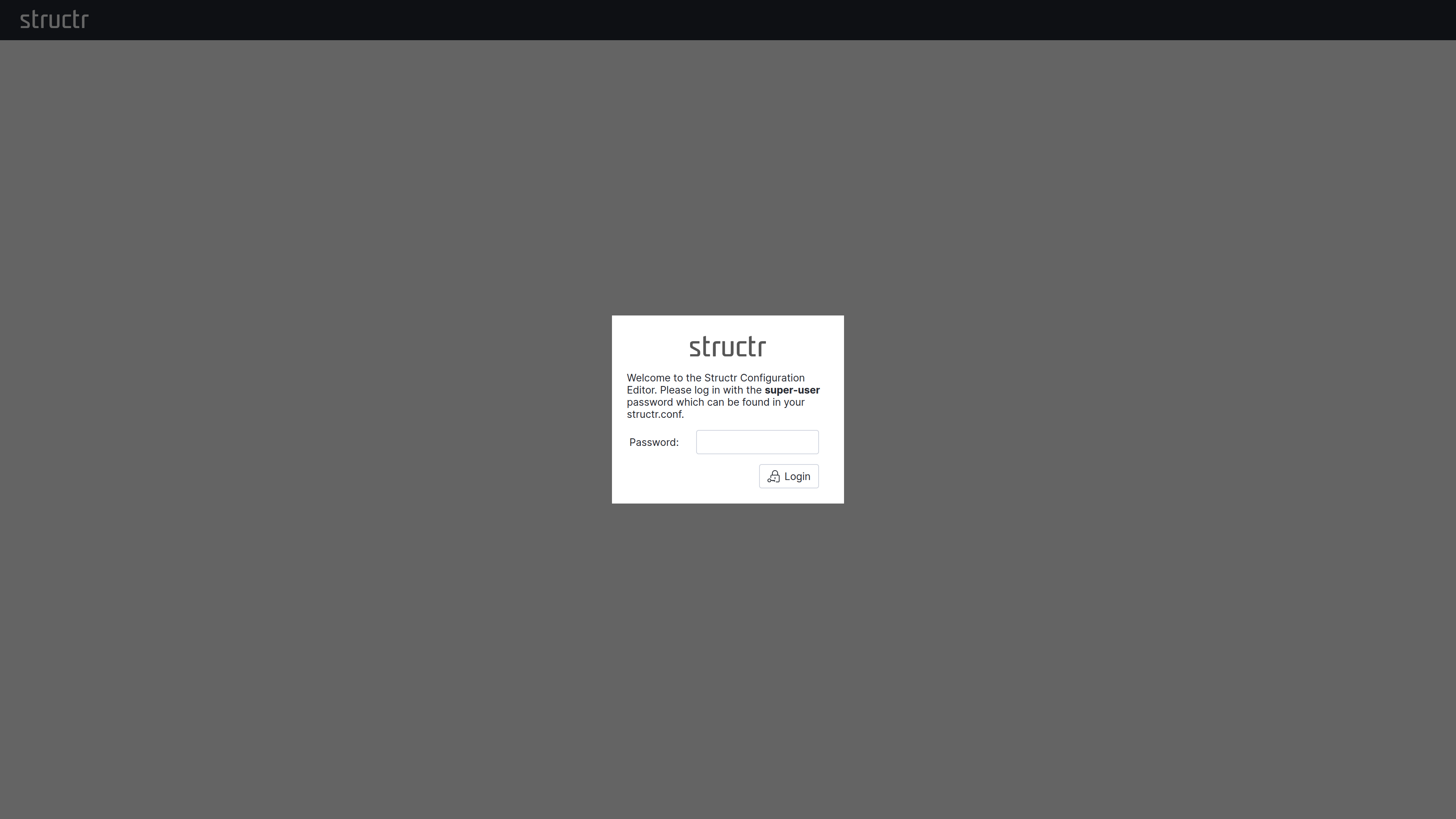
This separation is intentional. The Configuration Interface provides access to sensitive operations that go beyond normal application administration: you can configure database connections, restart services, and define cron expressions for scheduled functions. These capabilities would otherwise require direct access to maintenance commands or configuration files. By requiring a separate authentication with the superuser password, Structr adds an additional layer of security that protects these critical settings even if an attacker gains access to a regular admin account.
Interface Layout
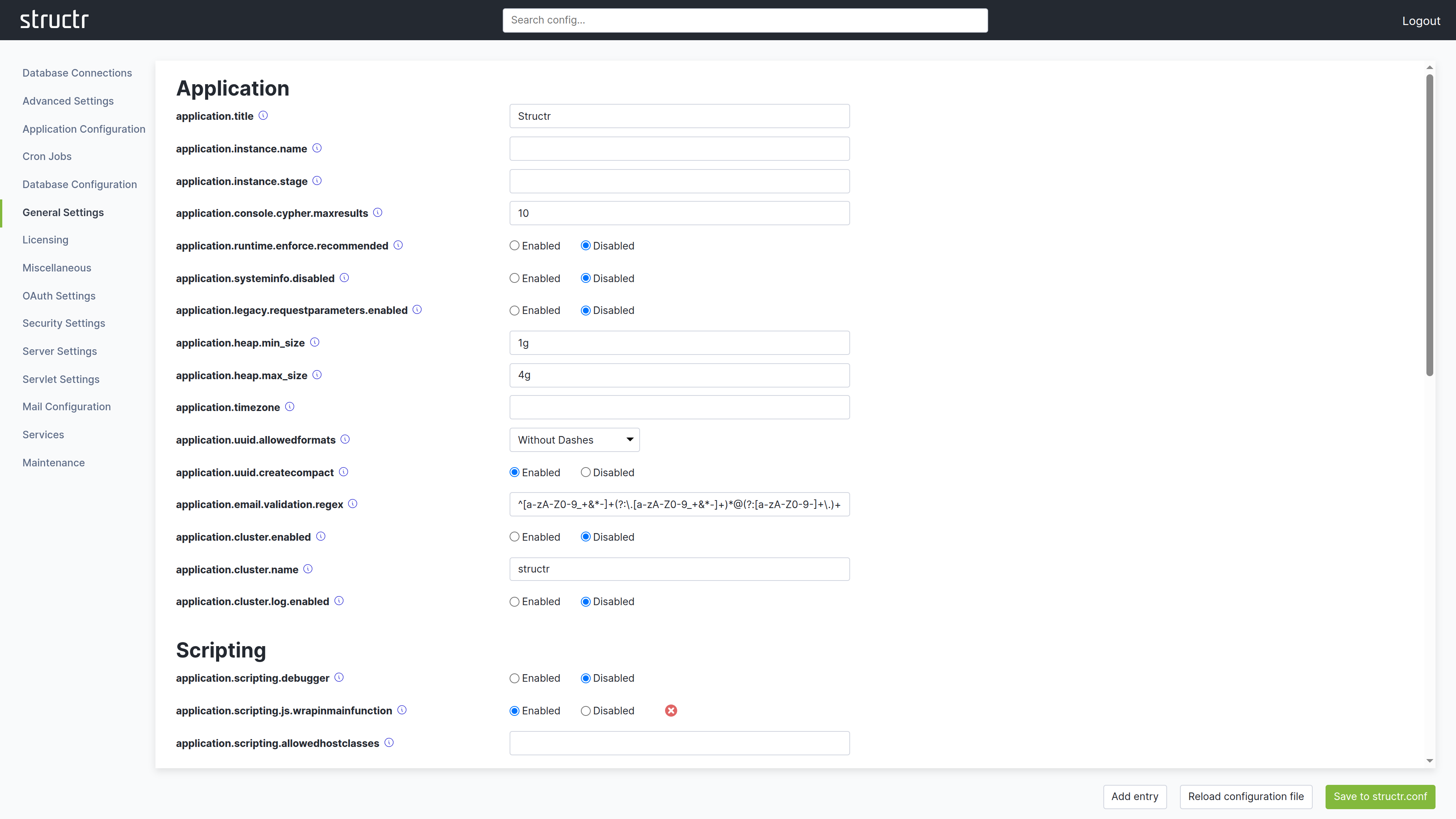
The Configuration Interface uses a different layout than other areas of the Admin UI. The header bar is present at the top, but it contains no main navigation menu. In the top right corner, you find a logout link to end your session in the Configuration Interface.
Instead of a menu, the secondary area below the header provides a search field that filters configuration options by name or description.
The main area is divided into two sections. The left side displays a list of categories. Depending on your screen resolution, this list may appear at the top instead of on the left. Click a category to display its settings on the right side. Each setting shows its current value, default value, and a description of its purpose.
At the bottom of the screen, you find buttons to create new configuration entries, reload the configuration file, and save your changes. When you modify a setting, click Save to structr.conf in the bottom right corner to persist your changes.
Some settings display a small red button next to them. Clicking this button resets the setting to its default value and saves the change automatically. You do not need to click the save button separately for these reset operations.
What You Can Configure
Settings are organized into categories such as application settings, database configuration, HTTP server options, security settings, and more. Most changes take effect immediately, though some require a server restart.
Beyond simple configuration values, the Configuration Interface is currently the only place where you can define cron expressions for user-defined functions. This allows you to schedule functions to run at specific intervals without writing additional code.
Database Connections
The Database Connections section manages the database connections. Each connection has a Name, a Driver, the Connection URL, the Database Name and the Username and Password of the database user; “Set Neo4j defaults” fills in the usual values for a local Neo4j instance. Three drivers are available: Neo4j Remote (Bolt) connects to a running Neo4j server, Neo4j Embedded runs a Neo4j database inside the Structr process and stores its data in the folder configured as database.path, and In-Memory keeps all data in memory and loses it when the server stops. You add a connection with “Create new database connection” and “Add connection”, optionally with “Connect immediately”. Each configured connection can be saved, connected, disconnected or deleted. Only one connection is active at a time.
First Start
When Structr starts for the first time without a configured database, the Configuration Interface opens in configuration-only mode. Because no superuser password exists yet, it asks for a setup token instead. Structr generates the token at every start until the setup is completed and writes it to the server log in a line beginning with Initial setup:. Only someone who can read the log can run the setup. The token is never stored and becomes worthless as soon as the setup is completed.
After entering the token, a Start tab lists the two steps that are required before the server can start: set up the superuser credentials, and configure a database connection. The Database Connections section offers three ways to do the latter: “Create new database connection” for a running Neo4j server, “Use Neo4j Embedded”, which creates and connects an embedded Neo4j database in the folder configured as database.path with one click, and “Start in demo mode”, which runs without a persistent database and loses all data when the server stops. Once both steps are done, Structr starts the server and the regular login with the superuser credentials applies from then on.
A login to the Configuration Interface expires after the period configured in application.session.timeout, like any other session.
For a complete reference of all available settings, see the Settings chapter in the References section.